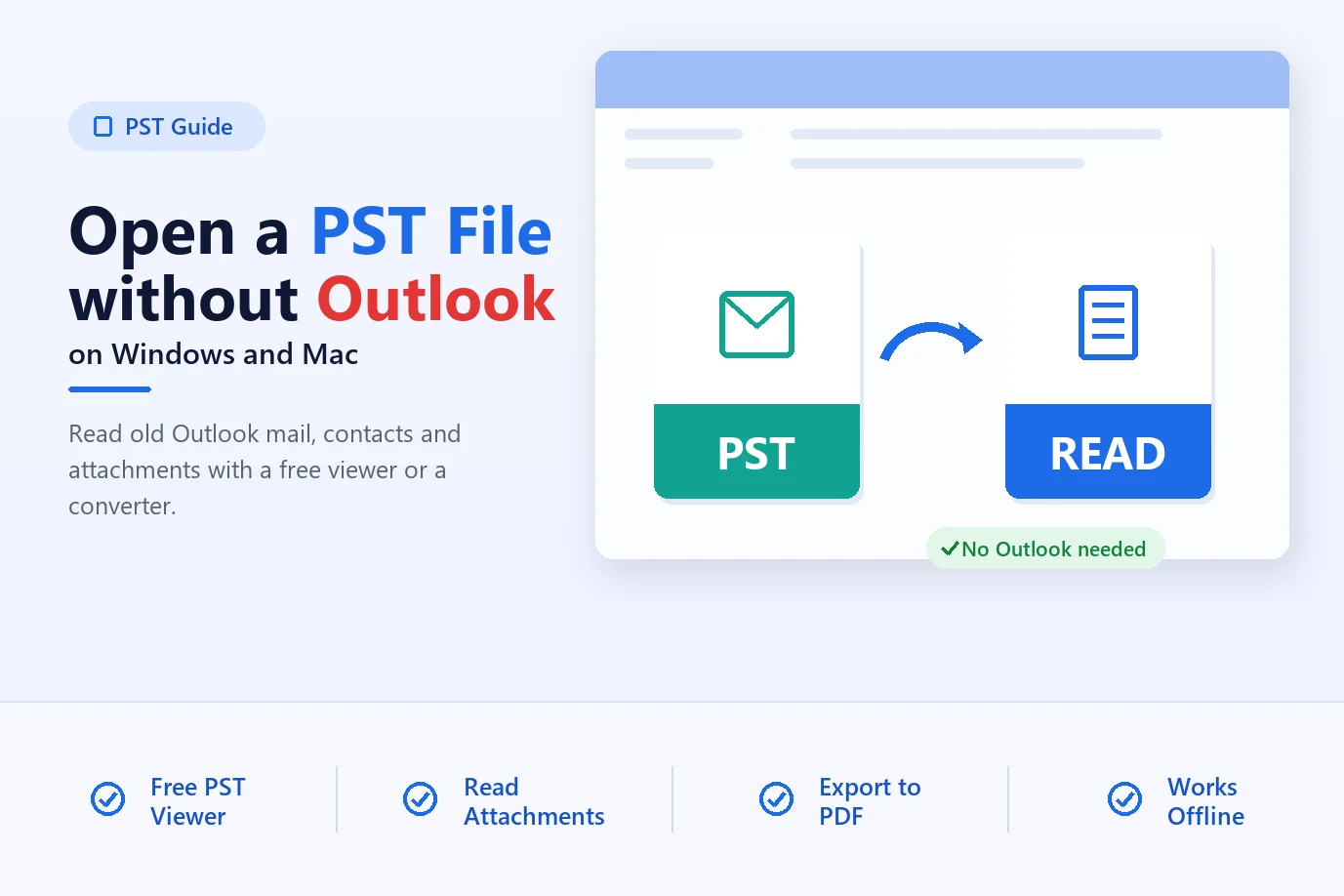
How to Open a PST File Without Outlook
No Outlook? Open and read a PST file with a free viewer, a converter or Outlook for Mac, and get at emails, contacts and attachments on any PC.
Read guideExport PST file data to multiple formats without altering source file
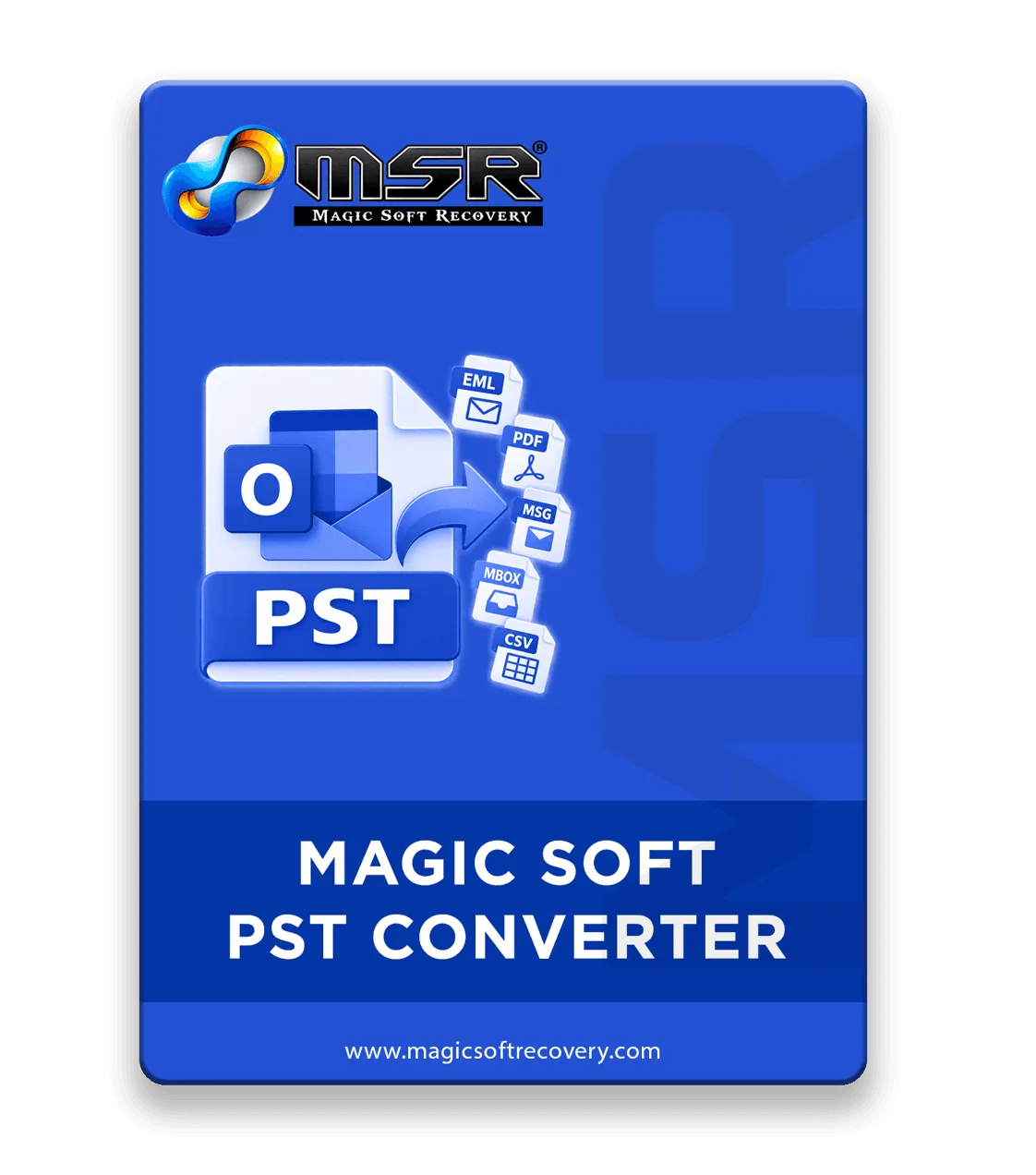
Magic Soft PST Converter is an independent, high-performance utility designed to access Outlook PST files, preview mailbox content, and export data into multiple widely-used formats. The software operates completely offline with no Microsoft Outlook installation required on your local machine. Effortlessly process single or bulk PST files in a single operation across any Windows operating system—making it the ideal solution for home users, IT professionals, system administrators, and corporate enterprises.
Magic Soft PST Converter Full Secured Download Version.
Discover how the advanced features of Magic Soft PST Converter streamline your email data management:
A dedicated PST conversion tool becomes essential, whether you are dealing with an unexpected hardware failure, an unreadable PST file, or an urgent need to revive historical mailbox archives.
Planning to migrate from Outlook to Thunderbird, Apple Mail, Gmail, or other desktop and cloud platforms? Magic Soft PST Converter enables smooth, accurate data conversions with zero risk of data loss. Convert mailbox content to portable formats without complex Outlook configurations, profile setups, or account authentication procedures.
01Convert PST data to PDF, CSV, MSG, and EML formats to simplify legal discovery, compliance auditing, and record-keeping. Advanced date-range filters and deep search tools allow legal teams and compliance officers to pinpoint relevant evidence quickly while keeping full header details, timestamps, and metadata intact.
02Need to archive historical email records or move communication histories off active servers? Use Magic Soft PST Converter to instantly convert local PST files into archival-friendly formats like PDF, EML, or MBOX. Processing happens 100% locally on your desktop with no cloud uploads, ensuring total data privacy and keeping original source files untouched. See our step-by-step guide to convert PST to PDF with attachments.
03For everything from everyday personal backups to large-scale enterprise data extraction.
Easily extract and save old personal email history, family photos in attachments, and legacy backups into open formats (like PDF or MBOX) without needing an active Microsoft 365 subscription or Outlook installed.
Batch-process massive company-wide email archives directly on-premises. Large organizations can extract, filter by date range, and convert archived mailboxes into structured CSV or PDF vaults for long-term corporate governance, regulatory compliance, and rapid e-discovery requests.
Simplify compliance audits and system updates by extracting raw mailbox data from orphaned files. IT teams can inspect, verify, and document employee communication trails smoothly during Exchange server maintenance or employee offboarding.
Convert PST mailbox contents directly into searchable PDF or MSG files for courtroom evidence. Complete email metadata, sender headers, timestamps, and attachment trees remain 100% intact to satisfy strict legal standards.
Single System Utility to perform batch conversion of Bulk PST files.
| File Formats | EML, MBOX, MSG, PDF, CSV, VCF, ICS, formats |
| Export Settings | Supported standard File formats compatible with many email clients and platforms |
Divide all the PST file components and save them individually.
Emails: Transfers all emails with sender/recipient details, subjects, timestamps, and links while preserving standard and embedded attachments. Retains original header metadata and exact folder/subfolder hierarchies.
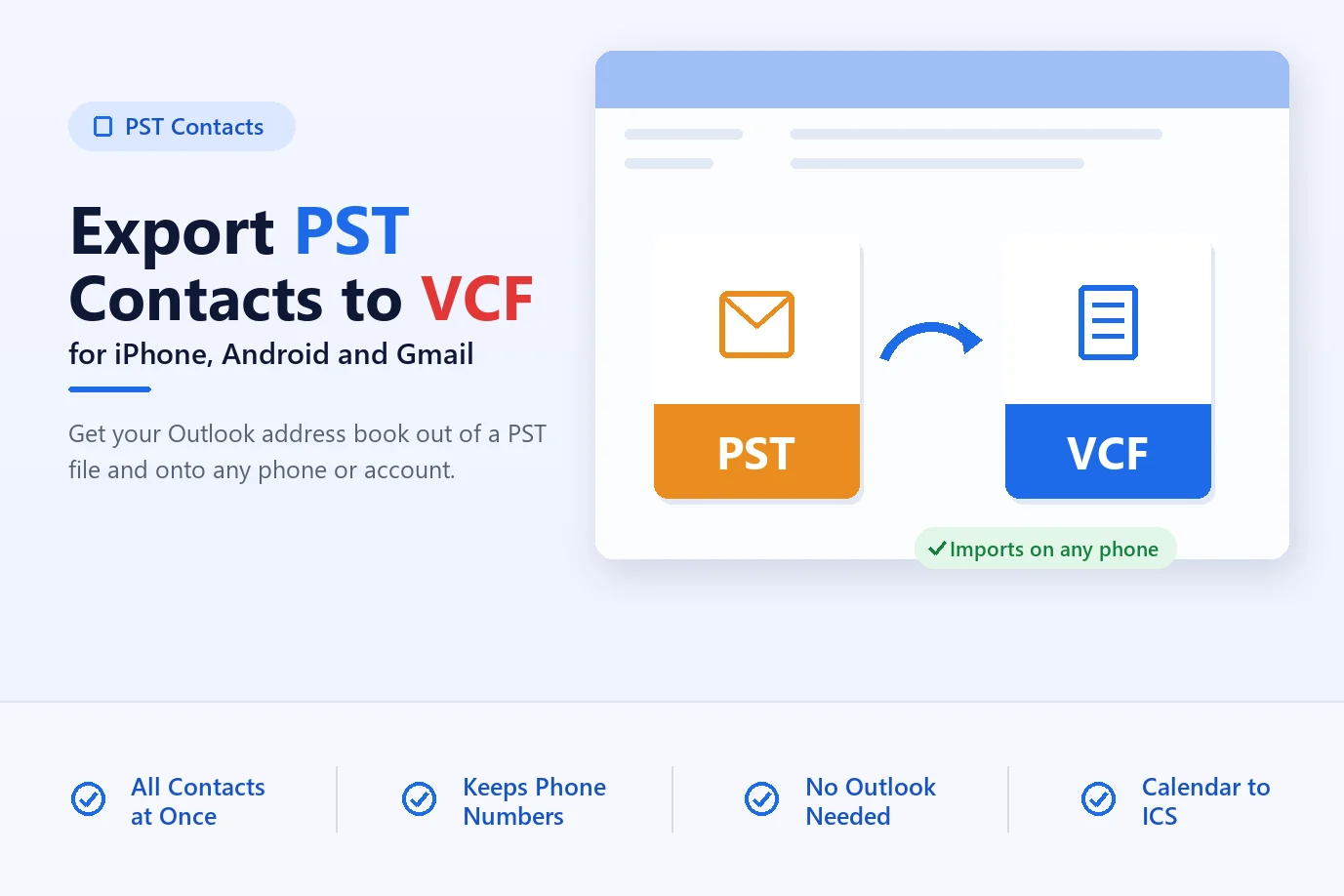
Contacts Exports your entire address book safely, preserving complete contact profiles including names, phone numbers, and email addresses.
Calendars: Seamlessly transfers all scheduled meetings, appointments, recurring events, reminders, and associated scheduling details.
Tasks Converts all your to-do lists while keeping task descriptions, due dates, completion statuses, and priority levels intact.
Notes Preserves all personal notes and quick memos alongside their original creation timestamps and color categories.
Ultimate Technical Fundamental of Outlook Conversion tool to convert unlimited PST files.
Handles massive, heavily-sized PST files that fail to open or perform properly in Outlook. Efficiently handles large databases while preserving system meta-data.
Allows users to preview emails, attachments, contacts, and calendars before export. It helps verify data properties and inspect folder structures independently without using any native application.
Converts PST files to popular formats including EML, MSG, MBOX, and PDF, CSV popular formats. The need for separate software by offering multi-format conversion inside a single tool.
Exports address books directly into VCF/CSV formats and transfers calendar events into standard ICS files to enable user to only drive contacts and calendars data separately.
Operates in read-only mode, keeping your original PST files safe from alteration or corruption. Creates a secure copy of your dataset to ensure complete data protection.
: Processes massive, multi-user datasets entirely on your local machine without connecting to any server. Zero cloud uploads required, it ensures absolute data privacy.
Preserve all original folder/subfolder nesting structures, read/write statuses, to-do lists, and journal entries. Maintains full data accuracy and transparency across all converted outputs.
Fully compatible with all Windows operating systems and all Outlook/Exchange versions. Easily processes legacy ANSI and modern UNICODE PST formats without technical barriers.
It enables direct extraction and conversion of PST data without requiring an active server connection. Provides an easy-to-use solution for viewing and managing offline Outlook data files.
It converts all emails, contacts, notes, calendars, tasks, and journals in sync. Preserves folder hierarchies, metadata, header properties, and data integrity in output folders without altering details.
Outlook PST File Converter Tool Specifications
| Version : | 10.4.2 |
| Dimensions : | Compact Installation |
| License : | Personal License ($49) & Technician License ($99) |
| Release Date : | 2025 |
| Edition : | Personal & Technician |
| CPU : | Intel 1 GHz Processor (2.4 GHz is recommended) |
| Memory: : | 2 GB (4 GB Recommended) |
| Storage space : | Minimum Disk Space - 200 MB |
| Supported Windows OS : | Windows 11, 10, 8.1, 8, 7 and earlier (32 & 64 Bit). |
| Supported Versions of Outlook : | Outlook 2024, 2021, 2019, 2016, 2013, 2010, 2007, 2003, 2002, 2000 (ANSI and UNICODE) |
| Compatible Mac : | Windows Only at the Moment |
The free trial includes every feature, but export is limited to 10 items per folder (EML, MSG, MBOX, PDF, VCF, ICS or CSV). You can preview all items without limits, and the trial does not expire.
Security tools can scan or briefly pause an application that reads and writes many files. Download the installer only from magicsoftrecovery.com, check that its digital signature shows Magic Soft Recovery LLC, and contact [email protected] if your antivirus shows a warning. Keep your antivirus switched on; your IT administrator can approve the program folder if company policy requires it.
The source file should be on the same working system and it is recommended to not use any shared drives or networks (NAS, SAN, LAN and WAN).
The installer is digitally signed by Magic Soft Recovery LLC with a DigiCert code-signing certificate. To check it, right-click the downloaded file, choose Properties and open the Digital Signatures tab. If Windows shows a SmartScreen or Defender warning, confirm the signature and that you downloaded the installer from magicsoftrecovery.com, then contact [email protected]. Keep Windows Security turned on. Your IT administrator can approve the application if your organization requires it.

Step by step reference to convert PST files to multiple formats easily
Start the specialized Magic Soft PST Converter as the admin on the system.
Browse your system to select the PST files or folders you want to convert, then click Load & Analyze.
Review data integrity and folder hierarchy across the preview tabs, select the required files, and proceed with the conversion.
Choose your preferred output format or email client, apply the required filters, select the destination path, and click Start Export.
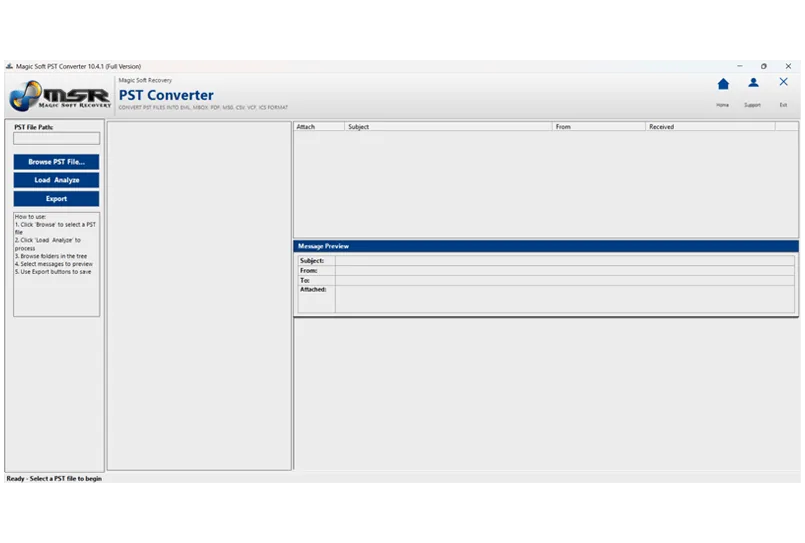
Test every feature on your own PST files before you buy: preview is unlimited, and the trial exports 10 items per folder.
| Product Features | Demo Version | Full Version |
|---|---|---|
| Convert PST to EML, MSG, CSV, PDF, MBOX, VCF, ICS | Limited | Unlimited |
| Load Multiple PST Files | ✔ | ✔ |
| Preview PST Data | ✔ | ✔ |
| Date Range Filter | ✔ | ✔ |
| Remove Duplicates | ✔ | ✔ |
| Attachment Options | ✔ | ✔ |
| Technical Support | Email Only | Priority Support |
Step-by-step answers to the problems people bring to this tool, with free methods where they exist.
No Outlook? Open and read a PST file with a free viewer, a converter or Outlook for Mac, and get at emails, contacts and attachments on any PC.
Read guideMove contacts from an Outlook PST file to iPhone, Android or Gmail. Export them as vCard (VCF) with Outlook, Google Contacts or a converter.
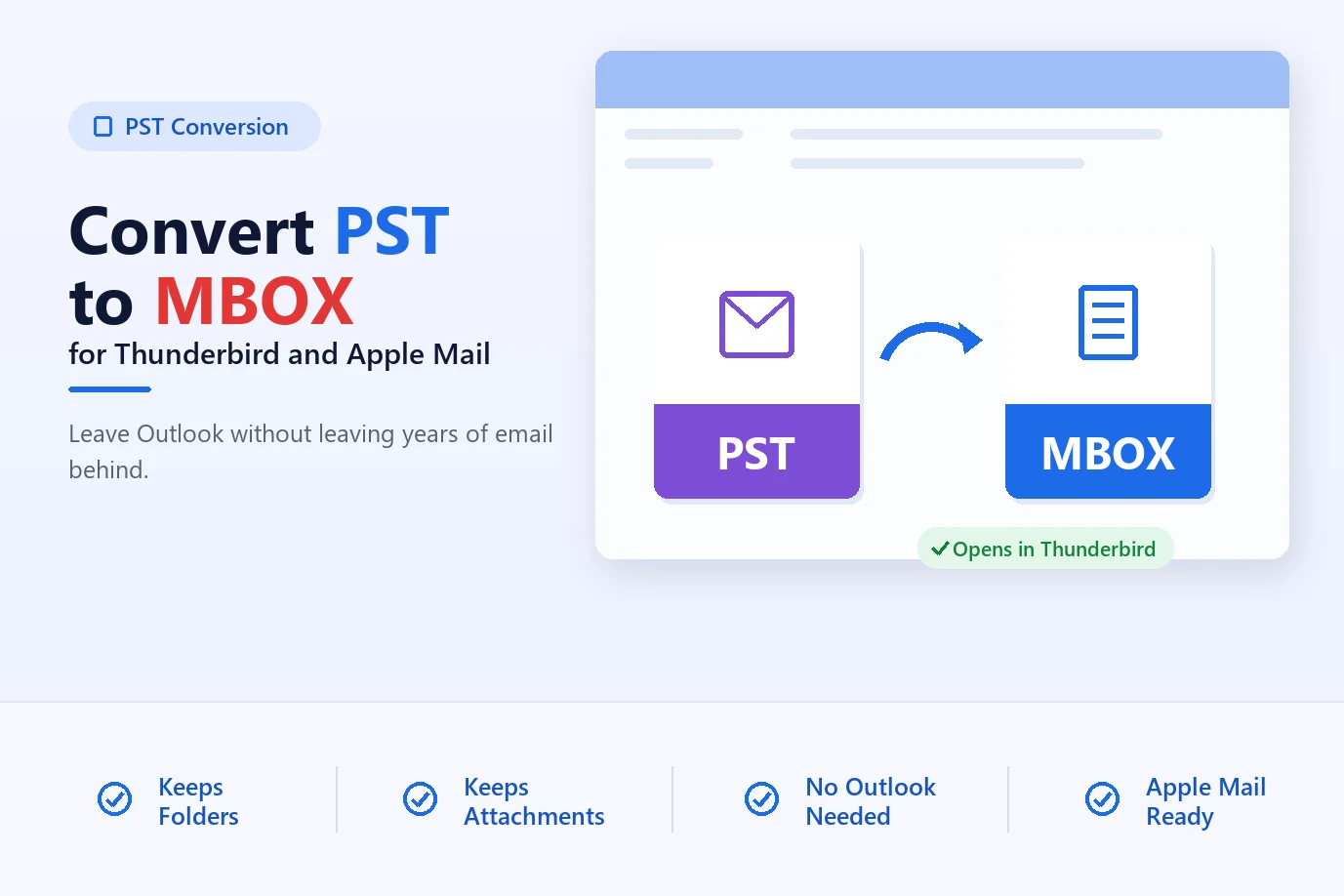
Read guideSwitching from Outlook to Thunderbird or Apple Mail? Convert PST to MBOX, then import it with folders intact. Free and automated methods compared.
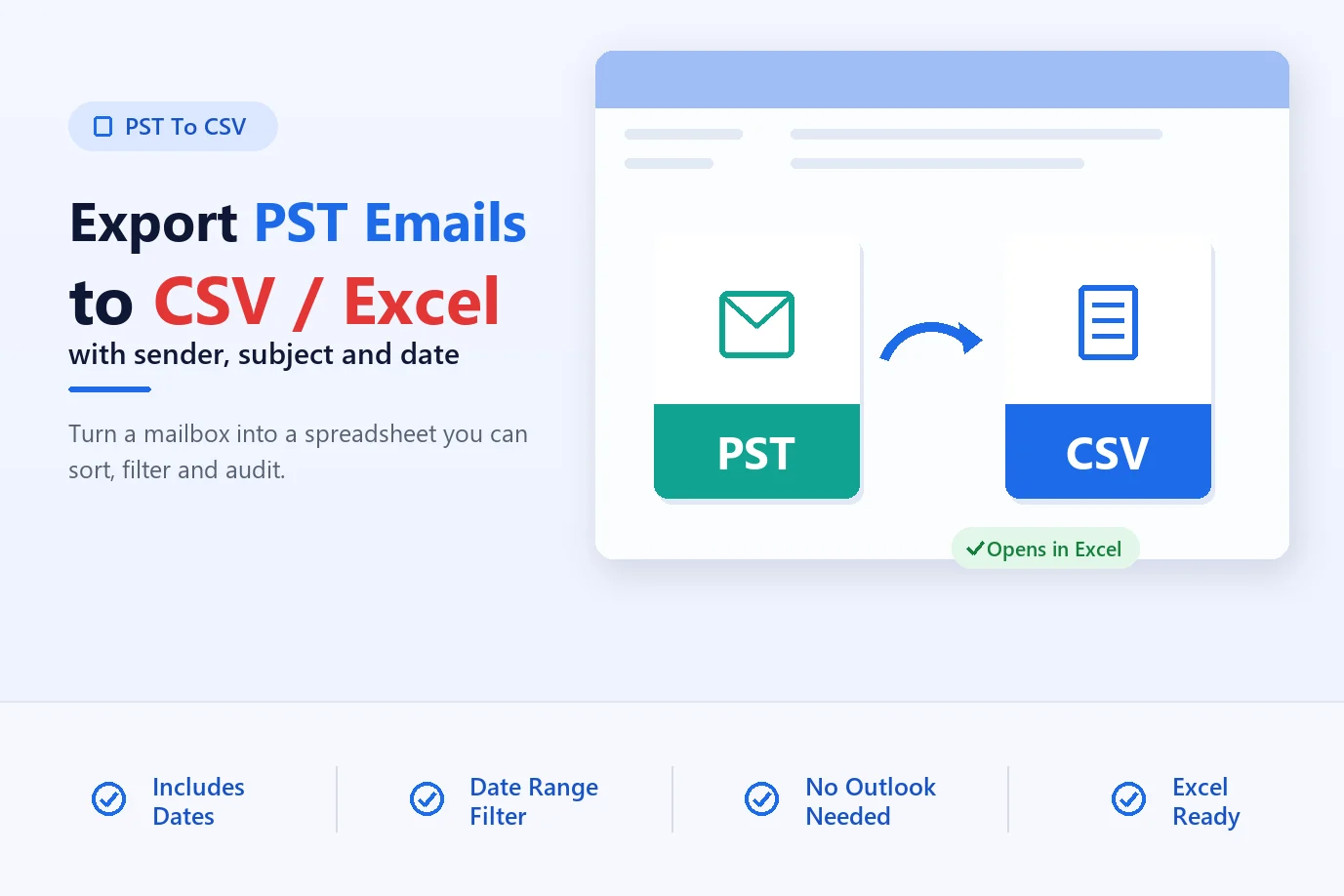
Read guideOutlook's CSV export leaves out email dates. Learn how to export PST emails to CSV with sender, subject and date, then open it cleanly in Excel.
Read guideUser common queries with precise context of software benefits and features.
No, There is no such limit you can perform unlimited emails conversion and also can convert your data to multiple formats unlimited times with Full Activated License.
Yes, software is capable to convert any archive pst either it is 5 or 20 year old and you can retain all the meta information of PST file while converting the data.
No. The product is designed to work independently and can easily open your pst file and convert pst file data to multiple format without any Outlook or Microsoft add-in.
No, your data is totally safe and your original file metadata remains the same. Our tool only makes copy of your data and it only reads information from PST convert using the APIs of the tool.
>Yes, absolutely it can generates only contacts information from PST and convert contacts to VCF/ICS format which can import in any device.
We use quick algorithm to read/write data from PST but sometimes due to large chunks of data it might take a few hours to complete the conversion, as it maintains data integrity and accuracy. Conversion also depends on machine configuration so use high performance machine to perform conversion tasks.
Demo is preview all items so you can decide before buying Full version but export feature is limited to 10 items per folder to ensure that it will convert your data with accuracy.
Yes, you can easily perform calendars extraction from the PST file with our tool.You just need to select calendars items and export to ICS format and then you can import ics to any device.
Step-by-step installation screenshots
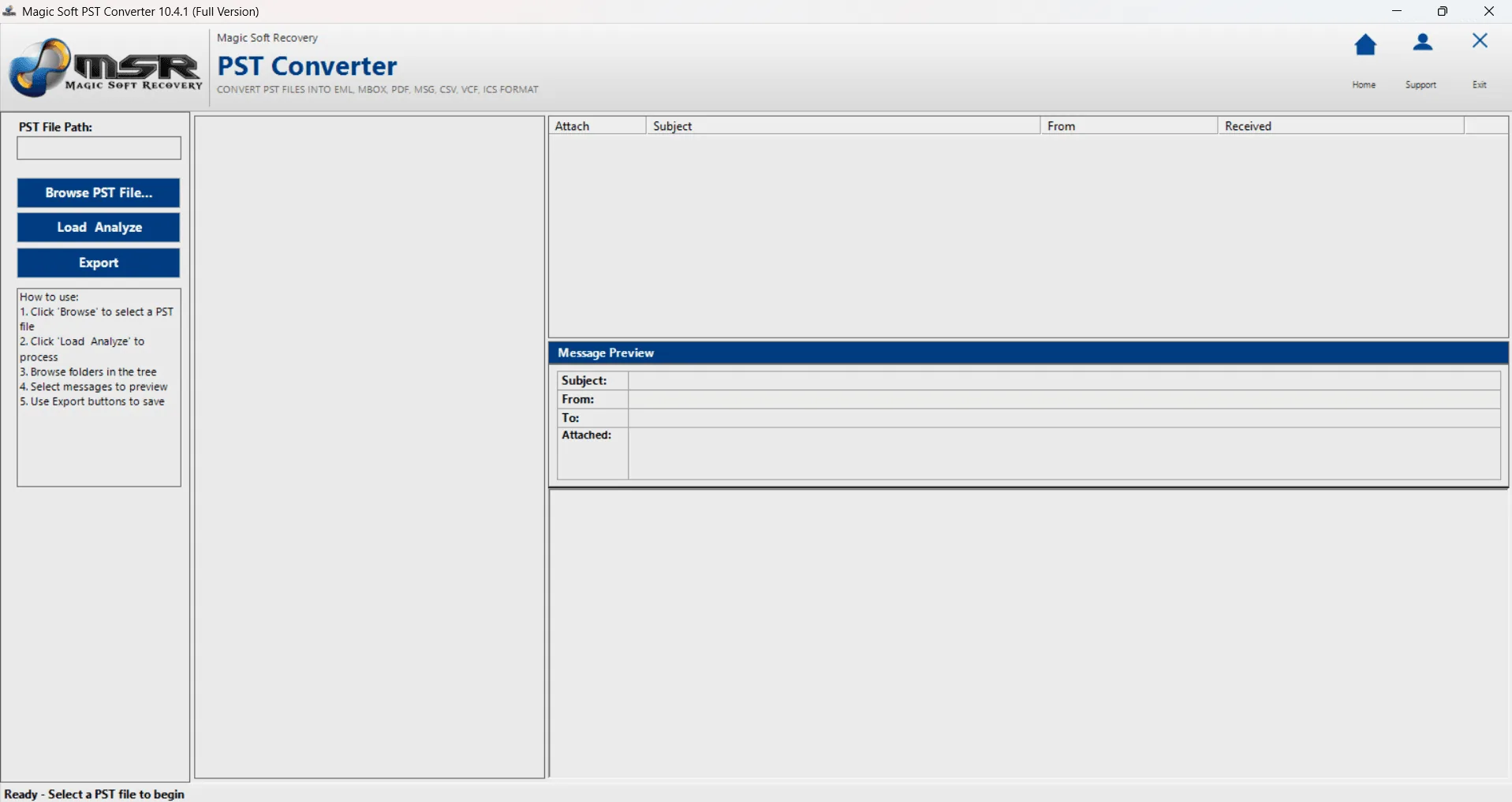
Launch the software and See the product windows.
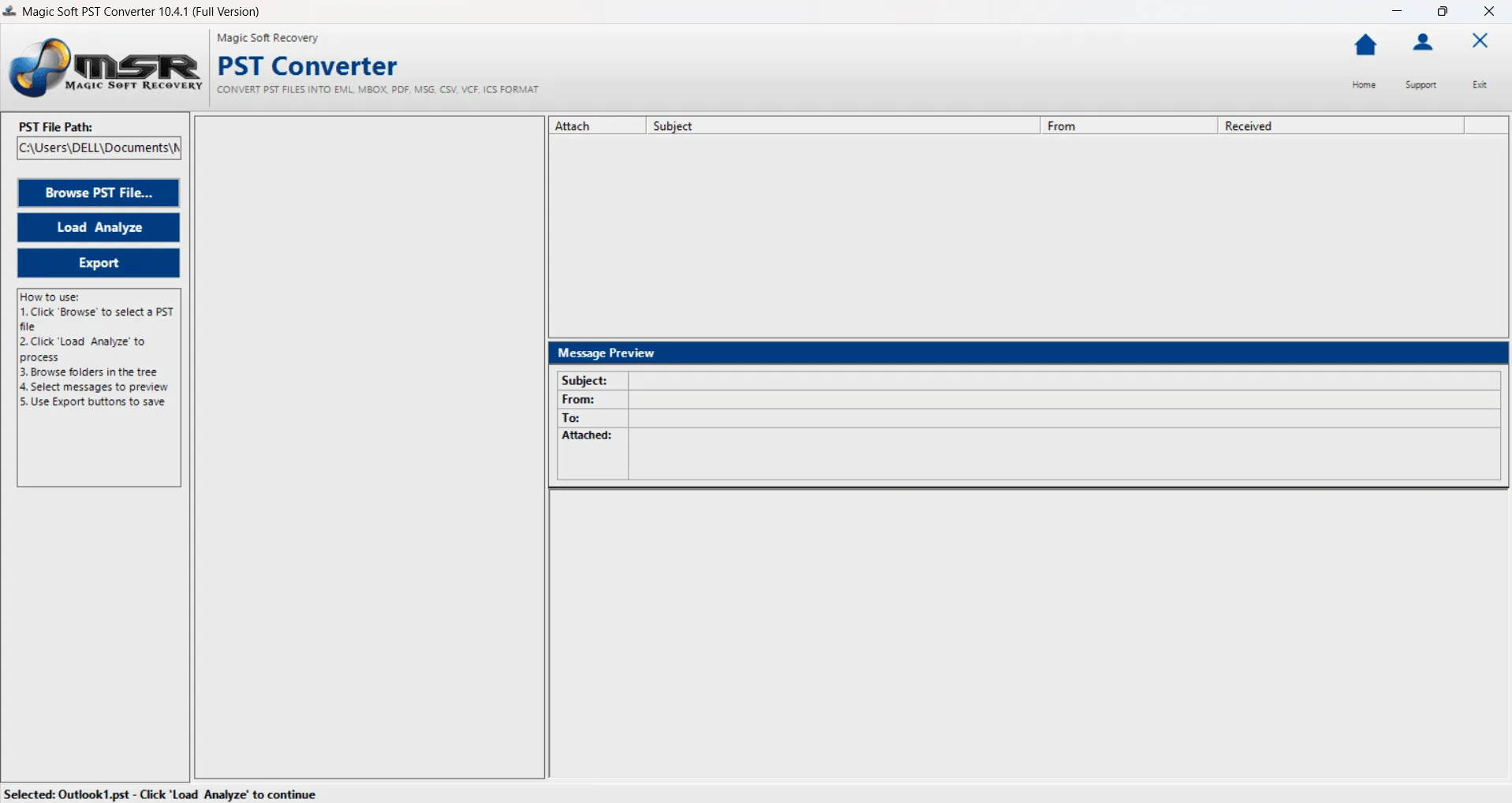
Browse PST File to begin with.
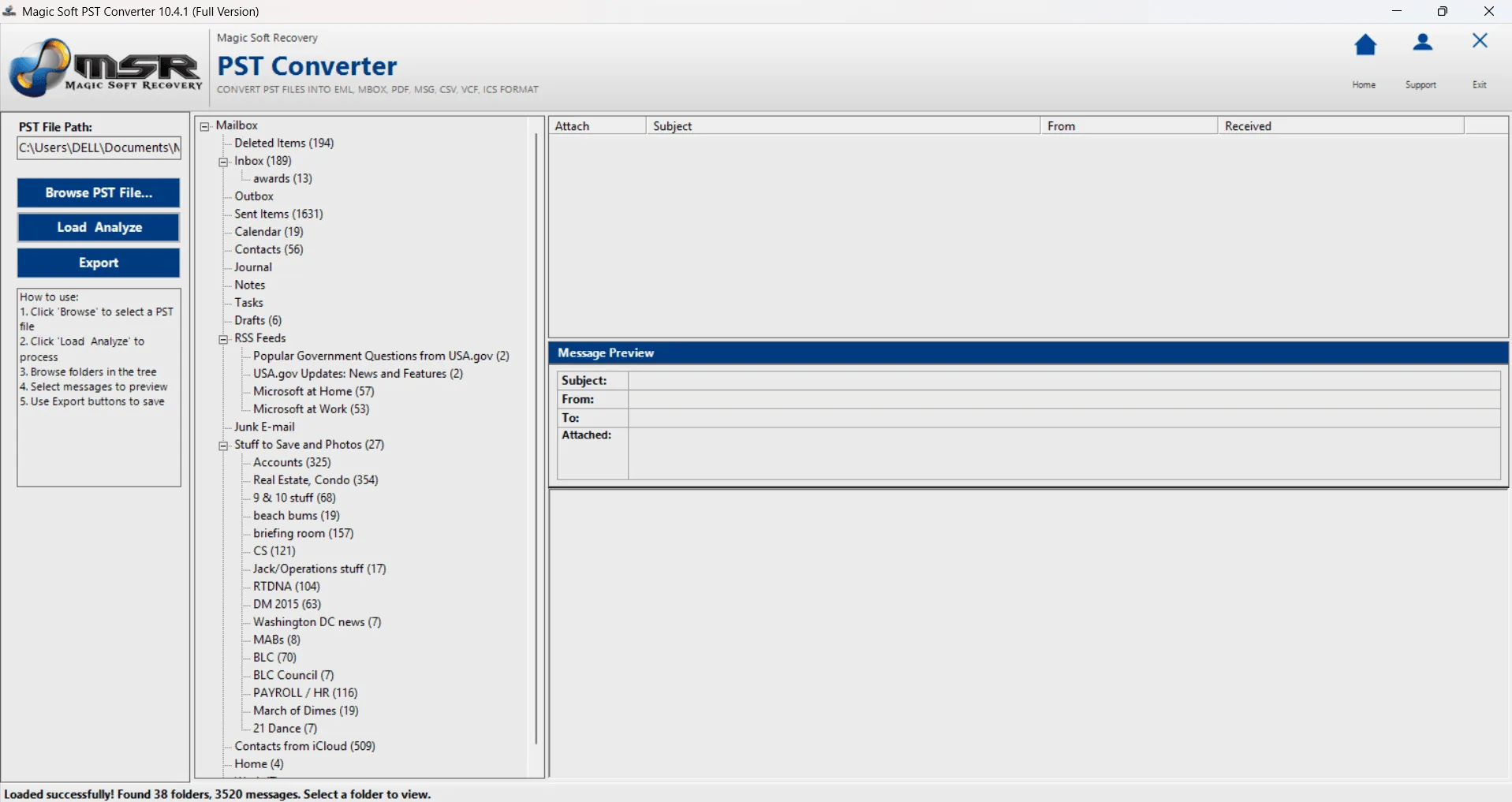
It will starting Loading the file.
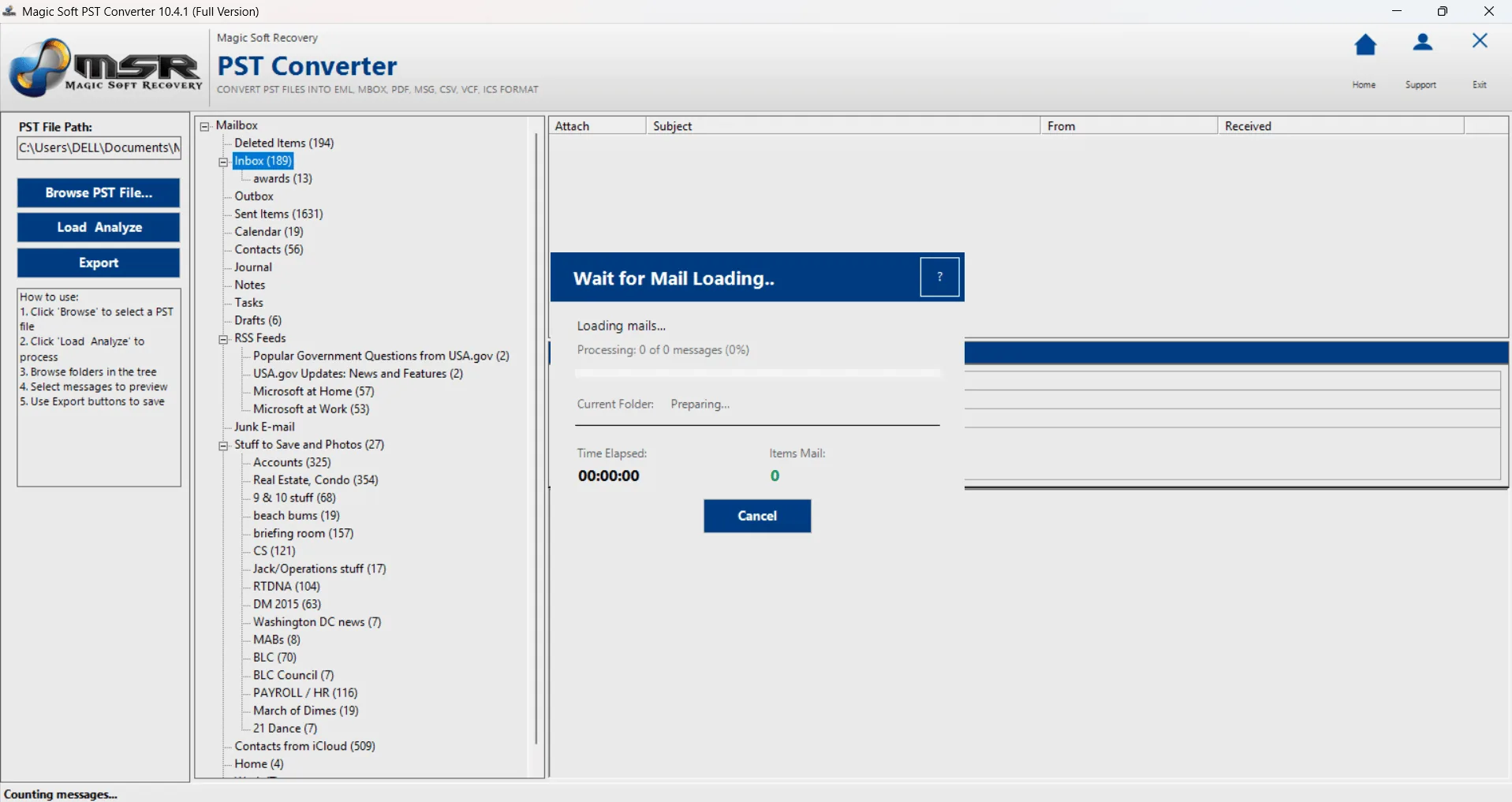
Click on any Folder to Start Loading Emails.
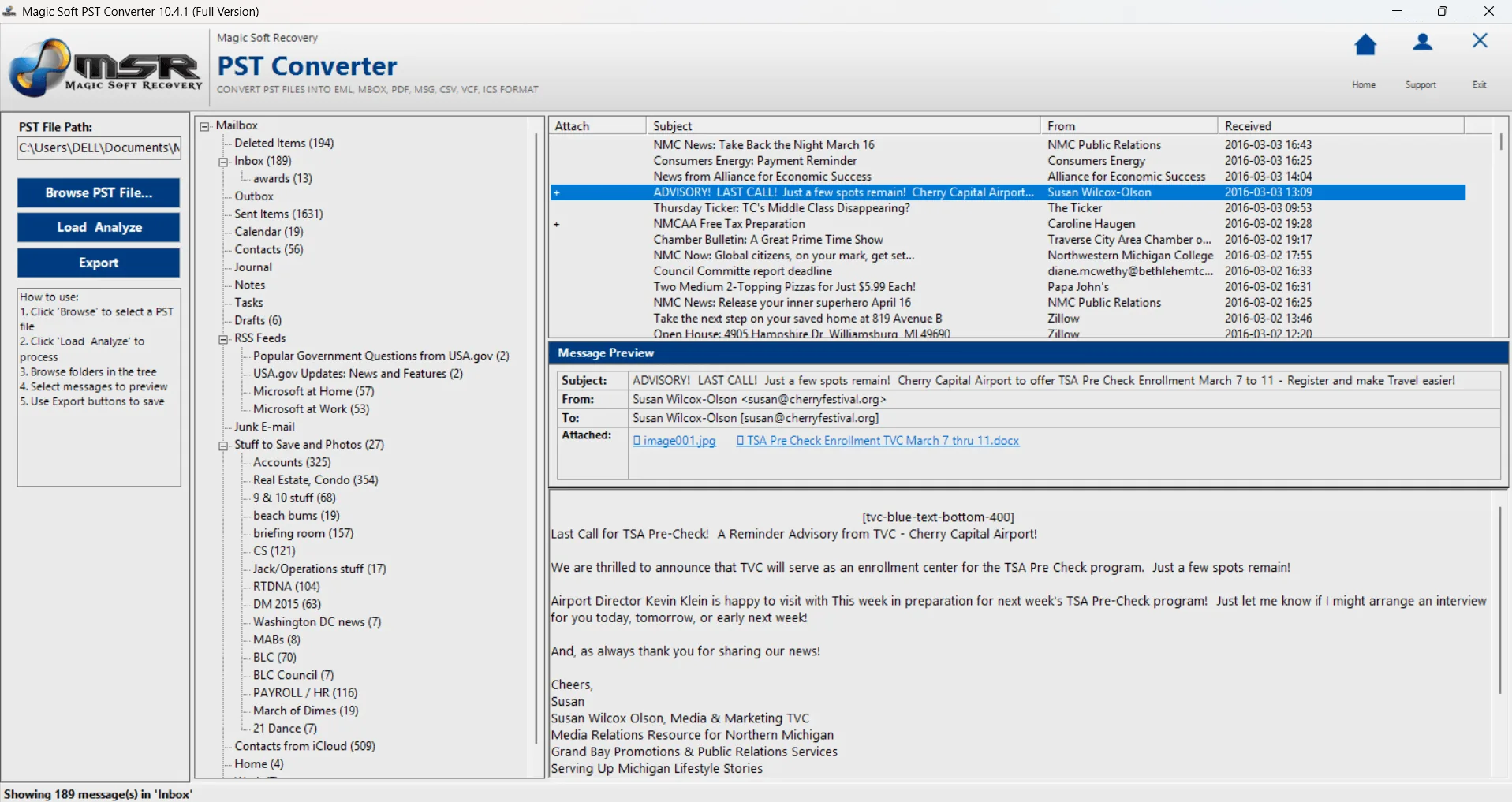
Click on any emails/contacts to preview data
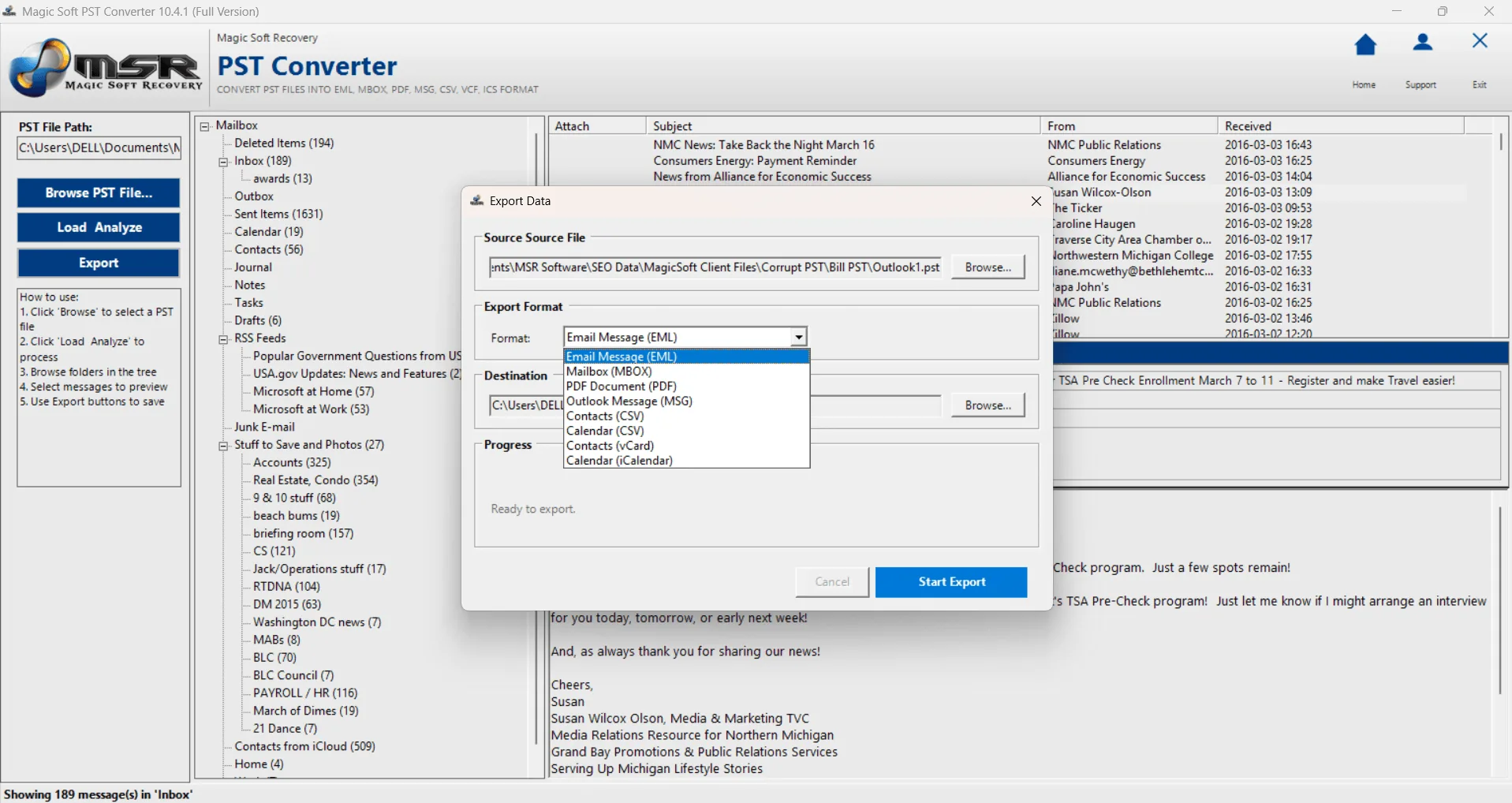
Click on Export button to start Conversion
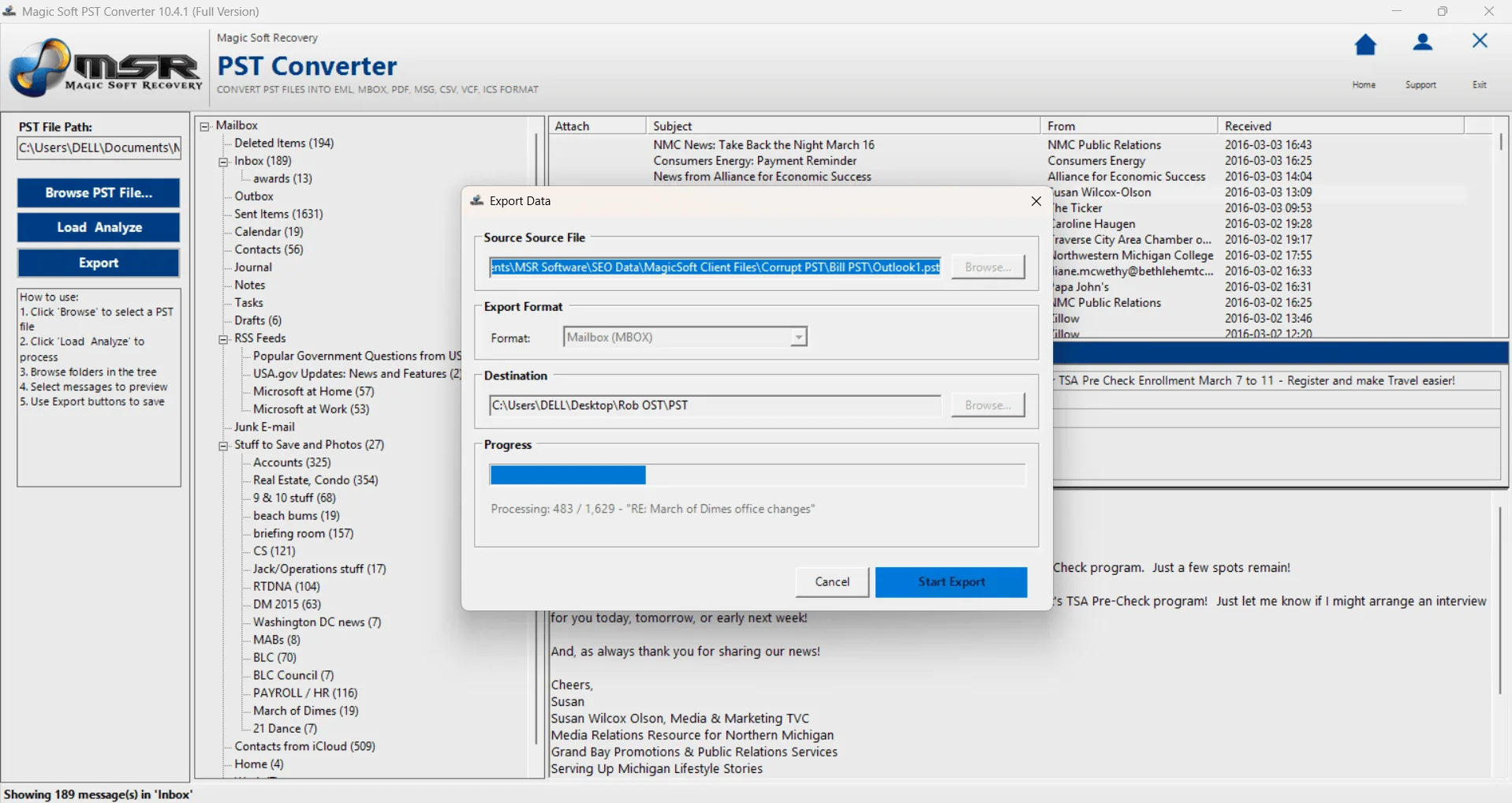
Select File and Destination Path.
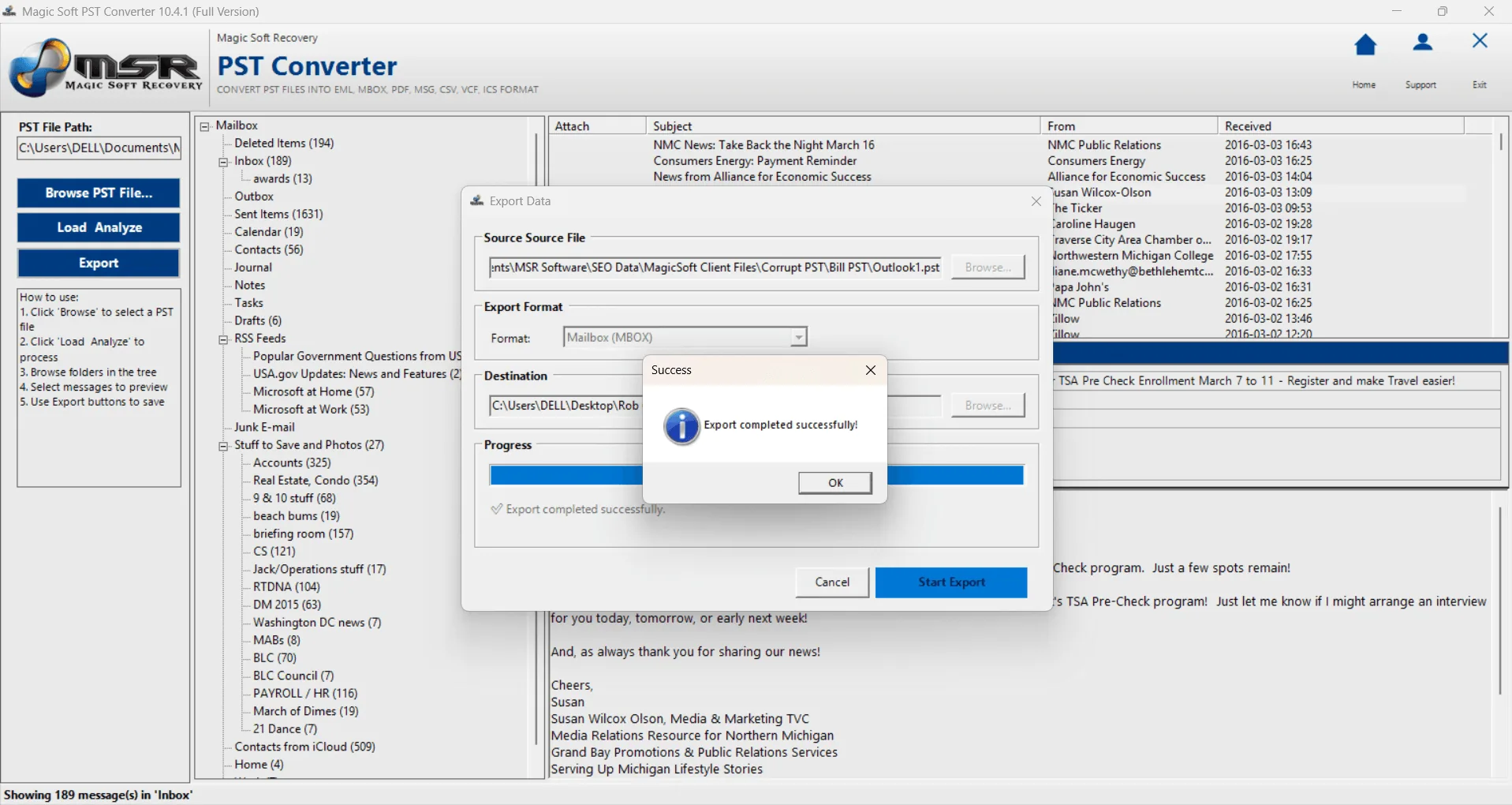
Please check the destination path for the output file.
Watch the complete installation process