A PST file is Outlook's mailbox database. It holds emails, contacts, calendar entries and attachments, and normally only Outlook can open it. That becomes a problem when you've cancelled Microsoft 365, moved to a Mac, or found an old backup.pst on a drive from a previous job.
You have four realistic options. Which one fits depends on whether you just want to read the mail once or keep using it in another program.
If the file is still on the original PC, Outlook usually keeps it in one of these folders:
Outlook 2013 and later:Documents\Outlook Files\
Outlook 2007 and older:%LOCALAPPDATA%\Microsoft\Outlook\
Anywhere else: search File Explorer for *.pst. Archive files are often called archive.pst.
PST or OST?
An .ost file is a cached copy of an Exchange or Microsoft 365 mailbox, and the steps here don't apply to it. See how to open an OST file without Exchange instead.
Copy the PST to a local folder before you start. Working on a copy keeps the original safe, and reading from a USB stick or network share is slow and can fail halfway through.
02
Option 1: Read it with a free PST viewer
If you only need to look through old mail, a viewer is the quickest route. The free Magic Soft PST Files Viewer opens a PST on Windows without Outlook and shows the folder tree, messages and attachments.
Download and install the viewer.
Browse to your PST file and load it.
Click through the folders. Select a message to read it and see its attachments.
A viewer is read-only. You can't move the mail into another program with it, so if you need the emails somewhere else, use option 3.
03
Option 2: Import it into Outlook for Mac
Outlook for Mac doesn't use PST files for its own data, but it can import one. In Outlook for Mac, go to File > Import, choose Outlook for Windows archive file (.pst) and pick the file. The mail appears under On My Computer in the folder pane.
This only helps if you already have an Outlook license on the Mac. Apple Mail can't read PST files at all.
04
Option 3: Convert the PST to a format any program opens
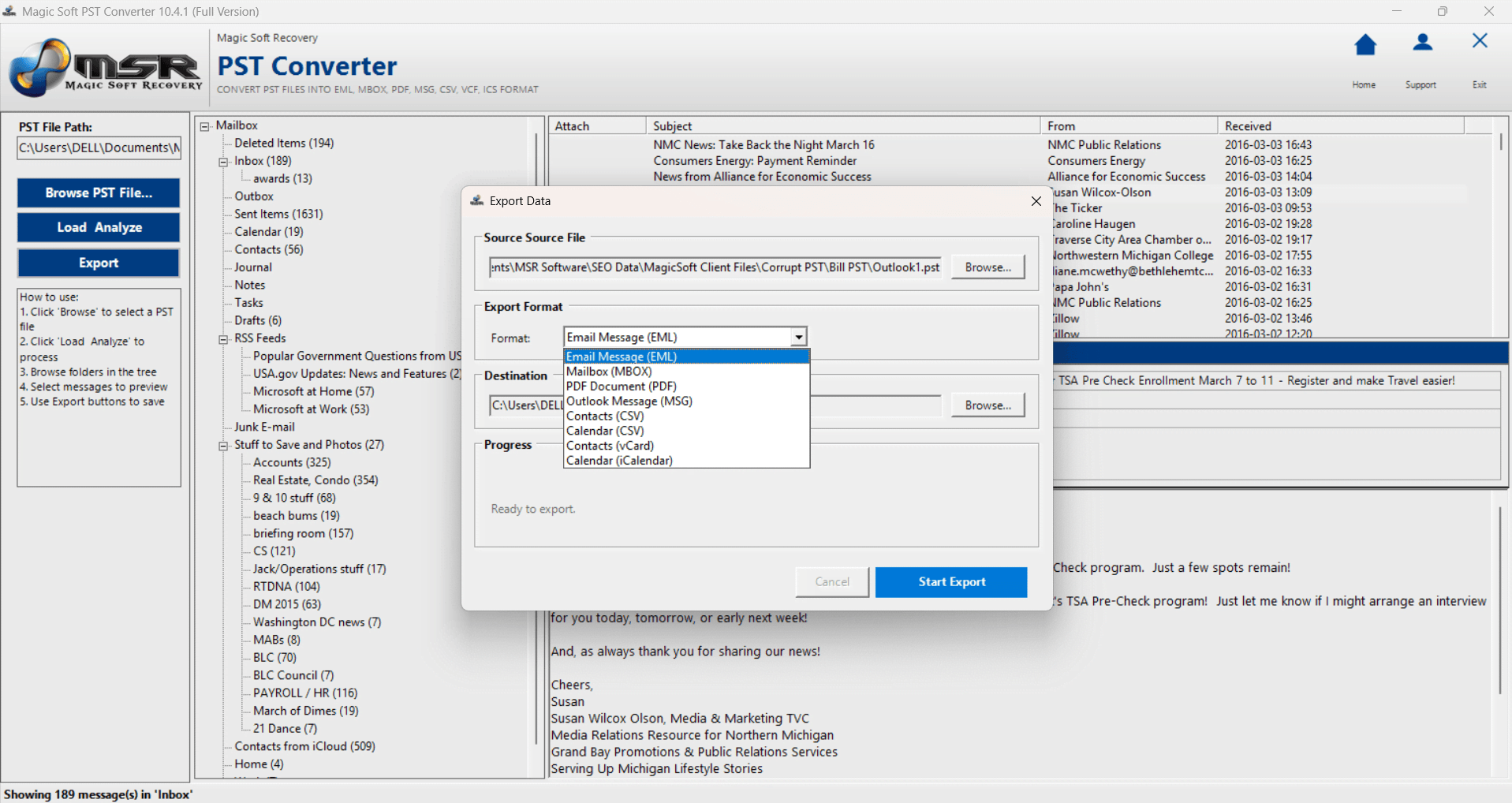
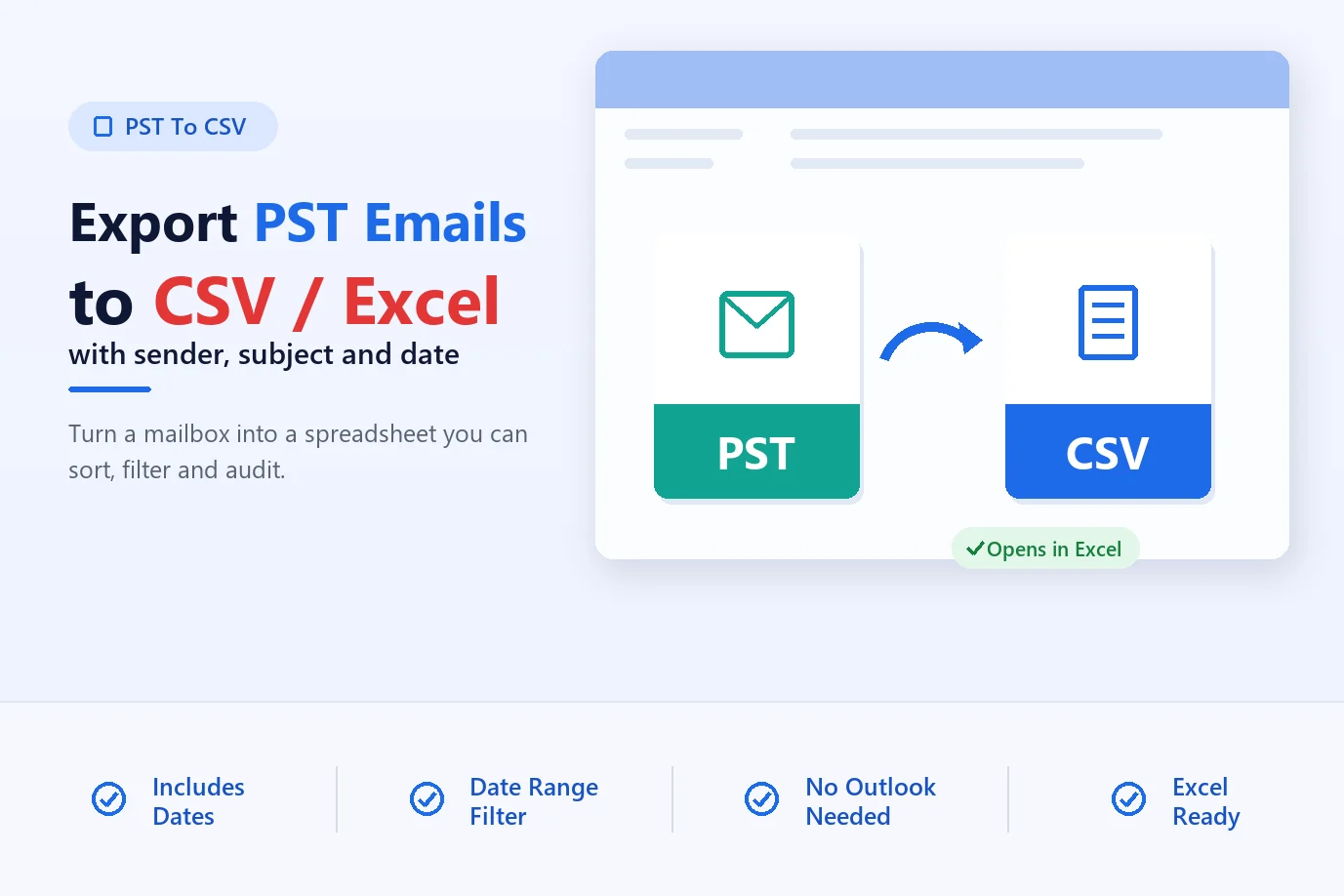
When you want the mail in Thunderbird, Apple Mail, a PDF archive or a spreadsheet, convert it. Magic Soft PST Converter reads the PST directly, so Outlook doesn't need to be installed, and exports to EML, MSG, MBOX, PDF, CSV, VCF and ICS.
01
Load the PST
Open the program, browse to one or more PST files and click Load & Analyze.
02
Preview the mailbox
Check the folders, emails, contacts and calendar items in the preview pane, and tick what you need.
03
Pick a format
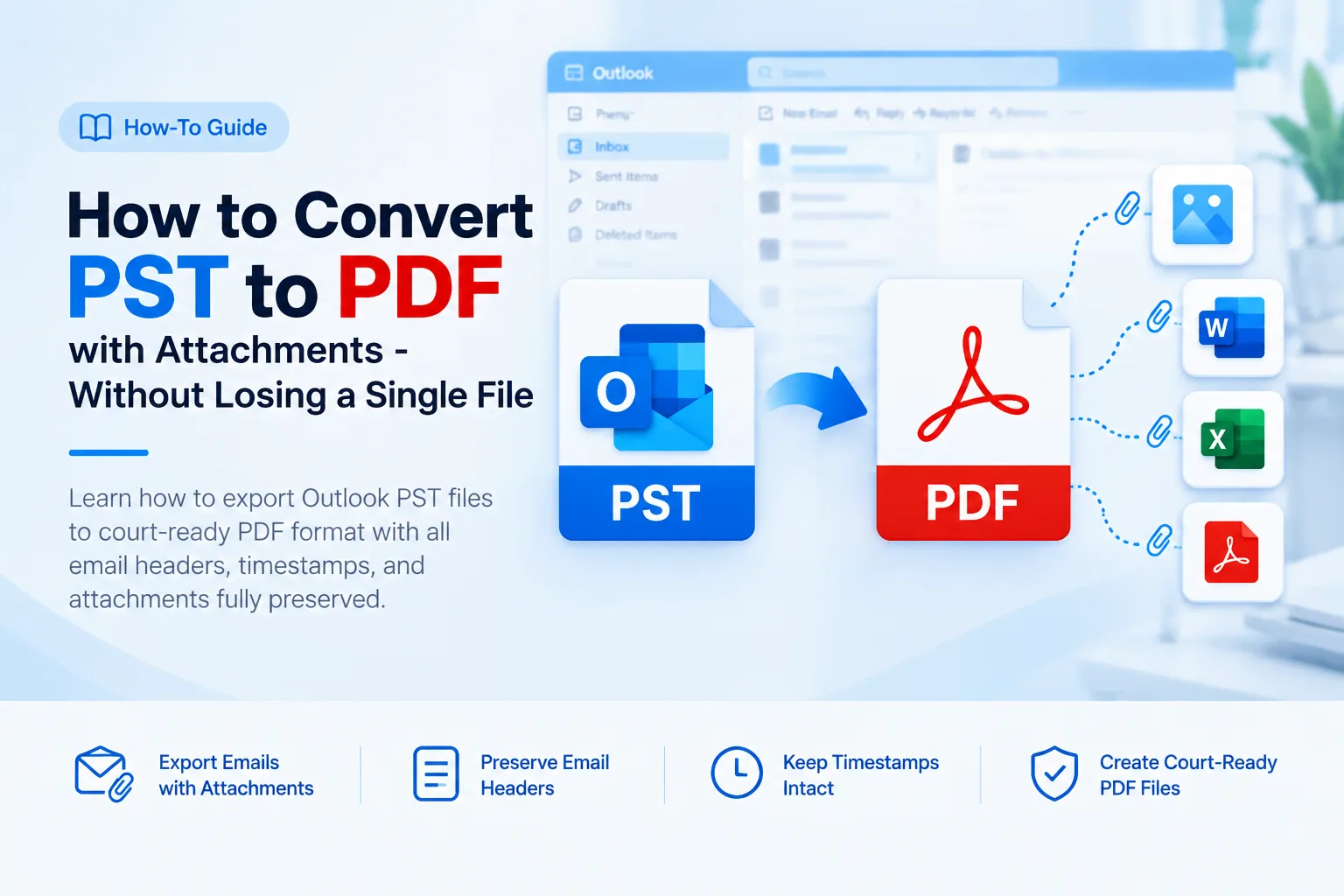
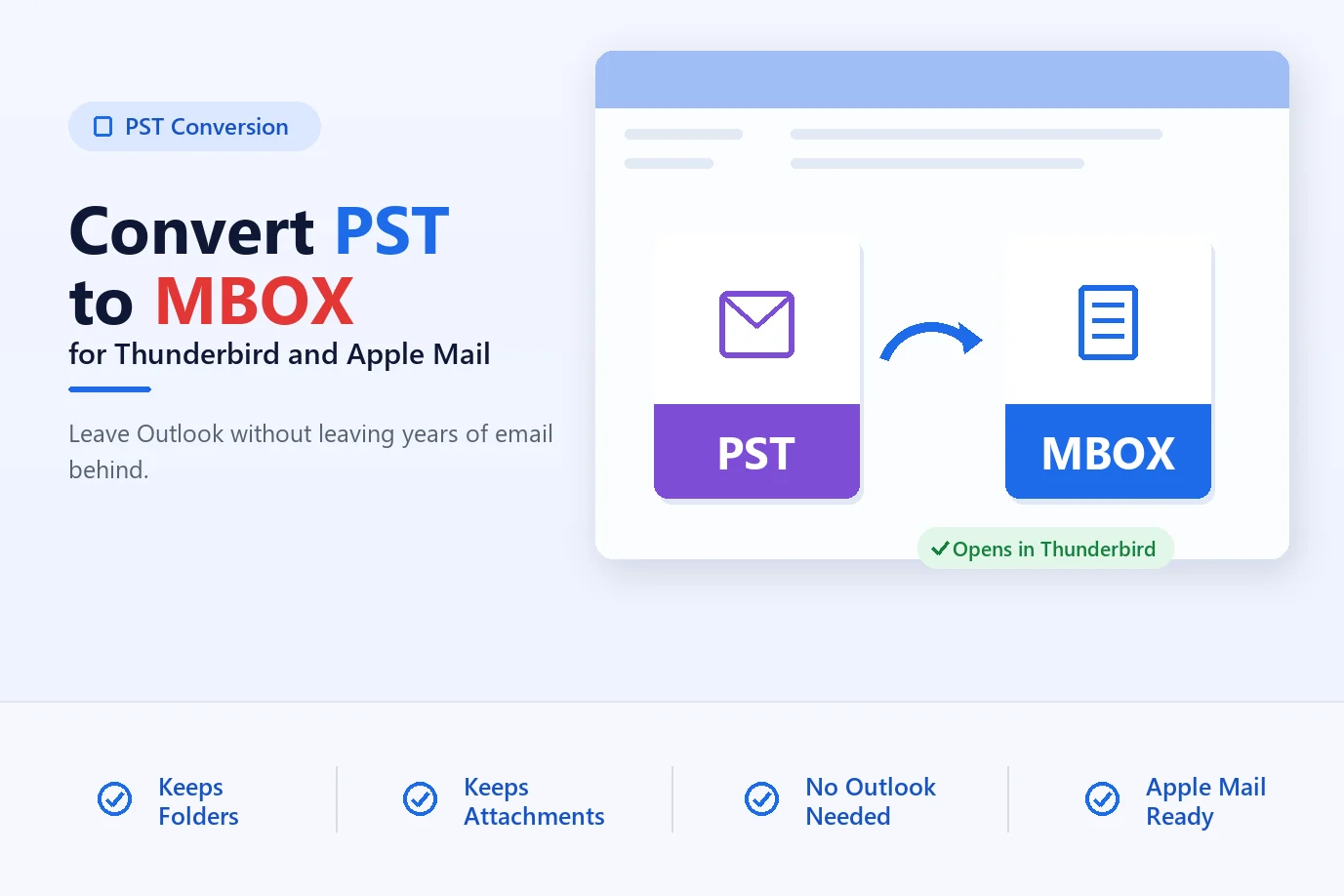
Click Export and choose PDF to read anywhere, MBOX for Thunderbird or Apple Mail, EML for single messages, or VCF and ICS for contacts and calendars.
04
Export
Set a destination folder, apply a date filter if you want, and click Start Export.
The program only reads the PST, so the original file isn't changed. The free trial previews everything and exports 10 items per folder, which is enough to check the output before you buy.
05
If the PST won't open
A PST that throws errors in Outlook is often damaged or oversized. Try these in order:
Run the Inbox Repair Tool. Outlook installs SCANPST.EXE in its program folder (for Microsoft 365, usually C:\Program Files\Microsoft Office\root\Office16\). Run it on a copy of the file.
Check the file size. Older ANSI PST files stop working near 2 GB. Our guide to large PST files covers what to do.
Password-protected file? If you've lost the password, PST Converter can still read the contents.
If SCANPST can't fix it, load the file in the converter's trial and see what it can read before you spend money.
06
Which option should you use?
Option
Cost
Needs Outlook
Best for
Free PST Viewer
Free
No
Reading old mail once
Outlook for Mac import
Outlook license
Yes (Mac)
Mac users who already pay for Outlook
PST Converter
From $49
No
Moving mail to another program, PDF archives, contacts to phone
Summary
To read a PST once, use a free viewer. To keep the mail somewhere other than Outlook, convert it: PDF for records, MBOX for Thunderbird or Apple Mail, VCF for contacts. Next steps: move PST mail to Thunderbird or export PST contacts to vCard.
Frequently Asked Questions
Frequently Asked Questions
Yes. A free PST viewer such as Magic Soft PST Files Viewer opens the file on Windows and lets you read emails and attachments. It can't export them to another program.
No. Web mail services can't open PST files. You would have to open the PST in desktop Outlook and copy the mail into the account, or convert it first.
Outlook for Mac can import a PST through File > Import. Apple Mail can't read PST, so convert the file to MBOX and import that into Apple Mail.
Viewers and PST Converter read the file without writing to it. Still, work on a copy so the original stays as it was.
Outlook asks for the password. PST Converter can read password-protected PST files without it.
About The Author
Magic Soft
Magic Soft provides software solutions for email recovery, data migration, file conversion, and digital data management.