How to Convert PST to MBOX and Move Outlook Mail to Thunderbird
Written ByMagic Soft Recovery LLC
Published OnOct 28, 2026
Read Time4 Minutes
Thunderbird and Apple Mail store mail in MBOX files. Outlook stores it in PST. Neither side reads the other's format, so moving from Outlook means converting your mail first.
Thunderbird has a built-in importer, but it only works in narrow cases. This guide covers when it works, when it doesn't, and how to convert a PST to MBOX and bring it into Thunderbird or Apple Mail.
Thunderbird's built-in Outlook import, and its limits
Thunderbird's Import tool (Tools > Import, or the import wizard on first run) can pull mail from Outlook. It reads the data through the Outlook installed on the same Windows PC, which brings some limits:
Outlook must be installed and set up on that PC.
It reads the mail profile Outlook is using, so a loose PST from a backup drive or an old computer is awkward to get at.
Large mailboxes can import slowly or stop partway, and you won't always be told which folders were skipped.
If Outlook and Thunderbird are on the same PC and the mailbox is small, try it first. It costs nothing.
02
Convert PST to MBOX with a converter
Magic Soft PST Converter writes MBOX files straight from the PST. Outlook doesn't have to be installed, so it handles PSTs copied from other machines, and it can process several PSTs in one run.
01
Add the PST files
Browse to the PST file or folder and click Load & Analyze.
02
Check the folders
Look through the preview and untick folders you don't want, such as Junk or Deleted Items.
03
Choose MBOX
Click Export, choose MBOX, and keep the folder structure option on so each Outlook folder becomes its own MBOX file.
04
Export
Pick a destination and click Start Export. Use the date filter if you only want recent years.
The duplicate filter is worth turning on if the PST was ever imported twice. It compares sender, recipient, subject and body and skips repeats.
03
Import the MBOX files into Thunderbird
There are two ways. The add-on route is easier for most people.
With ImportExportTools NG (recommended):
In Thunderbird, open Add-ons and Themes and install ImportExportTools NG.
Right-click Local Folders and choose ImportExportTools NG > Import mbox file.
Choose the option to import a whole directory with subdirectories, and select the export folder. The structure comes in as it was.
By copying files (no add-on): close Thunderbird, then copy the MBOX files into your profile's Mail\Local Folders\ folder (find it via Help > Troubleshooting Information > Profile Folder). Restart Thunderbird and it builds the indexes. Leave off the .mbox extension so Thunderbird recognises the files as folders.
04
Import the MBOX into Apple Mail
Copy the exported MBOX files to the Mac.
In Apple Mail, choose File > Import Mailboxes.
Select Files in mbox format and point it at the folder.
The mail lands in an Import mailbox under On My Mac. Drag folders where you want them.
05
After the move: a quick checklist
Compare folder counts between Outlook and Thunderbird for two or three big folders.
Open a few emails with attachments and make sure they open.
Keep the original PST until you've used the new setup for a few weeks.
06
Which method should you choose?
Method
Cost
Needs Outlook
Loose PST files
Best for
Thunderbird import tool
Free
Yes
Awkward
Small mailbox on the same PC
PST Converter + ImportExportTools NG
From $49
No
Yes
Large or old PSTs, several users, Apple Mail
Summary
If Outlook is still installed and the mailbox is small, try Thunderbird's own importer. For loose PST files, large archives or Apple Mail, convert to MBOX and import the folder tree. Going the other way? See how to convert MBOX to PST.
Frequently Asked Questions
Frequently Asked Questions
No. Thunderbird reads MBOX. Its importer can pull mail from an installed Outlook, but it can't open a PST file on its own.
Yes, if you export with the folder structure option and import the whole directory with ImportExportTools NG.
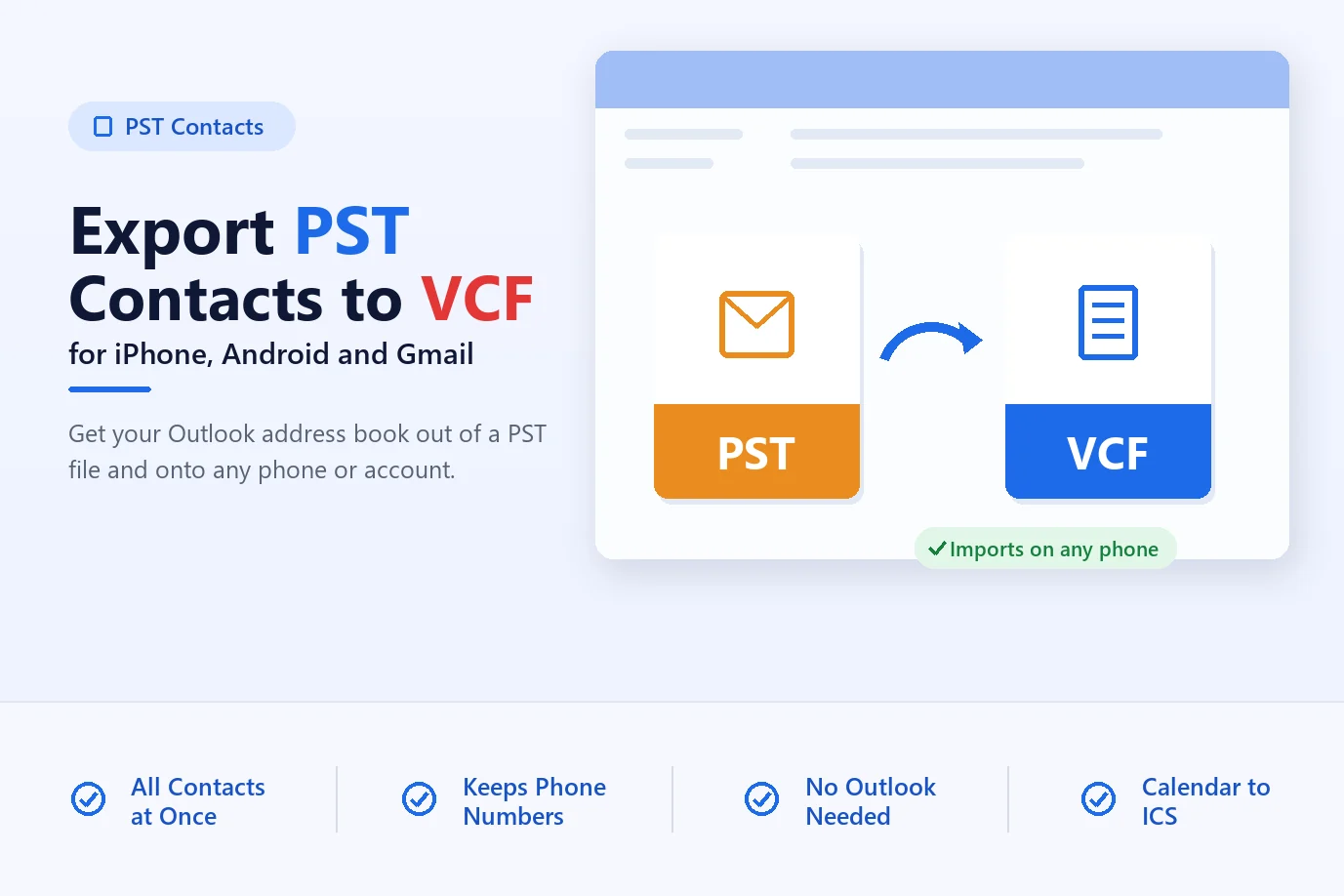
No, MBOX holds only email. Export contacts to VCF and calendars to ICS separately with PST Converter.
Yes. Apple Mail imports MBOX through File > Import Mailboxes > Files in mbox format.
It depends on the size and your PC. Small mailboxes take minutes; a 10 to 20 GB PST can take a few hours.
About The Author
Magic Soft
Magic Soft provides software solutions for email recovery, data migration, file conversion, and digital data management.