An EML file is a single saved email. You get them when someone forwards a message as an attachment, when you export from Thunderbird or Windows Live Mail, or when a backup tool saves mail as loose files.
Most mail programs open EML with a double-click. When that doesn't work, or you have a folder of 5,000 of them, the options below will help.
Classic Outlook opens EML files. Double-click the file, or right-click it and choose Open with > Outlook. The message opens in its own window with attachments you can save.
To make Outlook the default, right-click any EML file, choose Open with > Choose another app, select Outlook and tick Always use this app.
02
2. Thunderbird (Windows, Mac, Linux, free)
In Thunderbird, choose File > Open > Saved Message and pick the EML file. You can also drag an EML file onto a Thunderbird folder to keep it there.
03
3. Apple Mail (Mac)
On a Mac, double-click the EML file and Apple Mail opens it. If another app grabs it, right-click and choose Open With > Mail.
04
4. Notepad, for headers and quick checks
EML is plain text. Right-click the file and choose Open with > Notepad to read the headers: who sent it, when, and which servers it passed through. This is useful for checking whether a suspicious email is genuine.
Attachments and HTML bodies appear as encoded blocks of text, so Notepad isn't a way to read most modern emails comfortably.
05
5. A viewer for hundreds or thousands of EML files
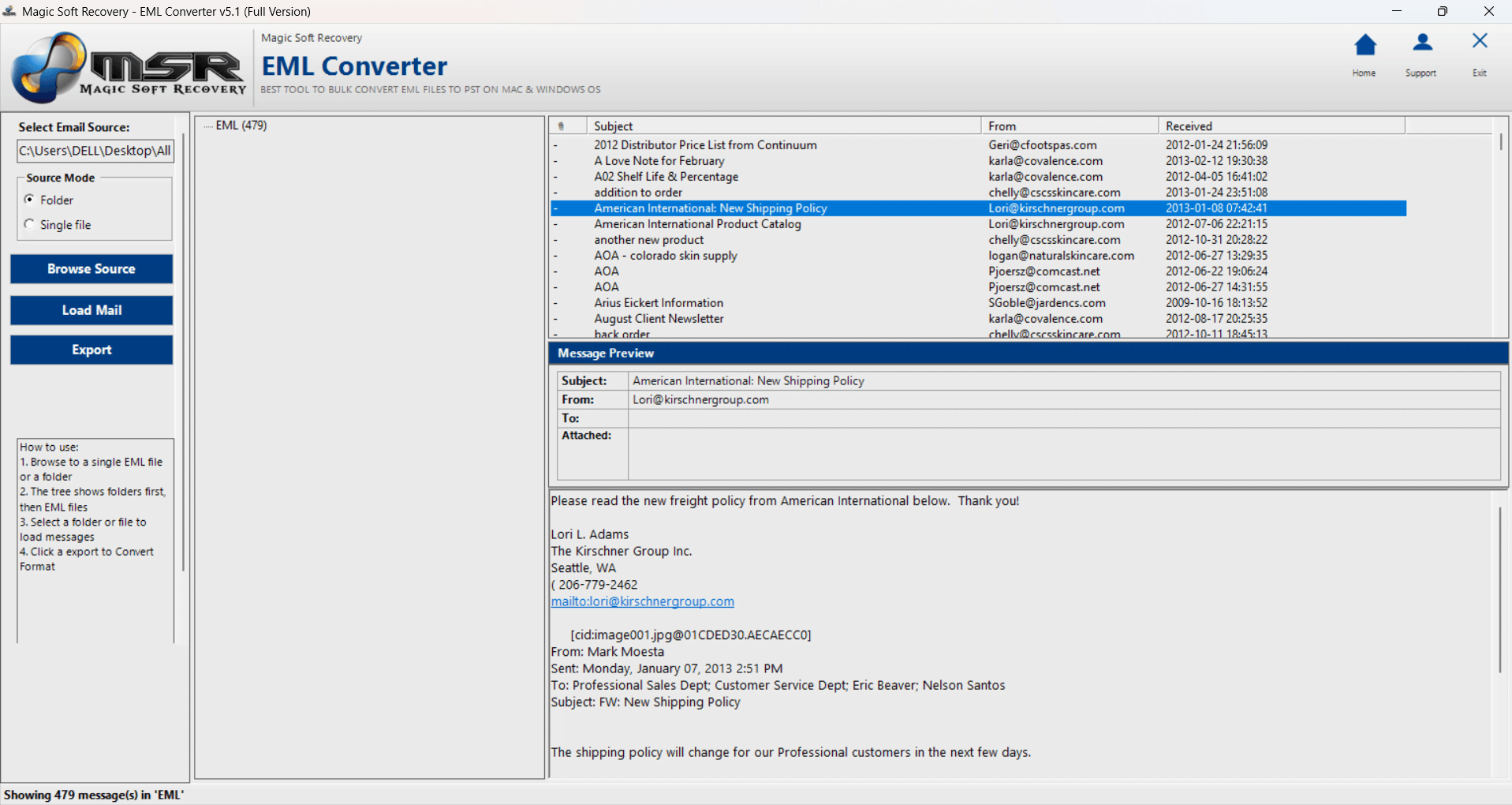
Opening files one by one stops being practical fast. Magic Soft EML Converter loads a whole folder of EML files and shows them like a mailbox: folder tree, message list, preview and attachments. The trial previews everything with no time limit.
01
Add the files
Click Select EML File or Select Folder and point it at your EML files.
02
Browse
Click through the folder tree and read messages in the preview pane.
03
Search
Use search to find emails by sender, subject or content.
04
Convert if needed
Export to PST for Outlook, PDF for records, or CSV for a spreadsheet.
06
If an EML file won't open
Windows asks which app to use: no mail program is installed. Install Thunderbird (free) or use the EML viewer above.
It opens as text in a browser or Notepad: the file association is wrong. Reset it with Open with > Choose another app.
The file is called something like message.eml.txt: Windows is hiding the real extension. Turn on View > Show > File name extensions and remove .txt.
It's from a phone: forward it to yourself as an attachment and open it on a computer.
Summary
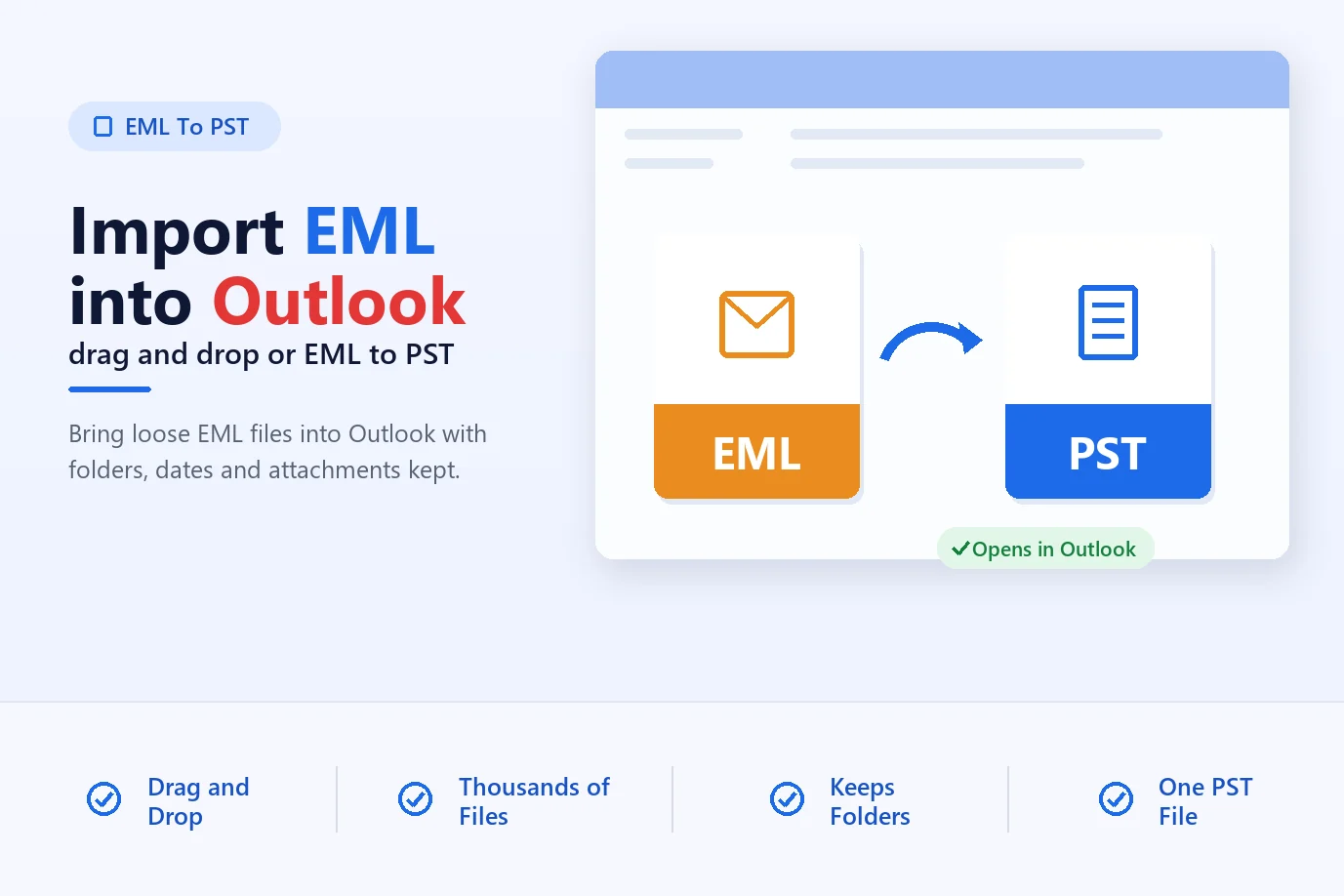
For a single file, double-click it in Outlook, Thunderbird or Apple Mail. For a folder full of them, use a viewer that shows them as a mailbox. To move them into Outlook, see importing EML files into Outlook.
Frequently Asked Questions
Frequently Asked Questions
Outlook, Thunderbird, Apple Mail and most other email programs. Thunderbird is free on Windows, Mac and Linux.
Yes. Use Thunderbird, Apple Mail, or the Magic Soft EML Converter viewer.
Treat it like any email. Check the sender in the headers and don't open attachments you weren't expecting.
Load the folder into an EML viewer such as Magic Soft EML Converter, which lists them like a mailbox.
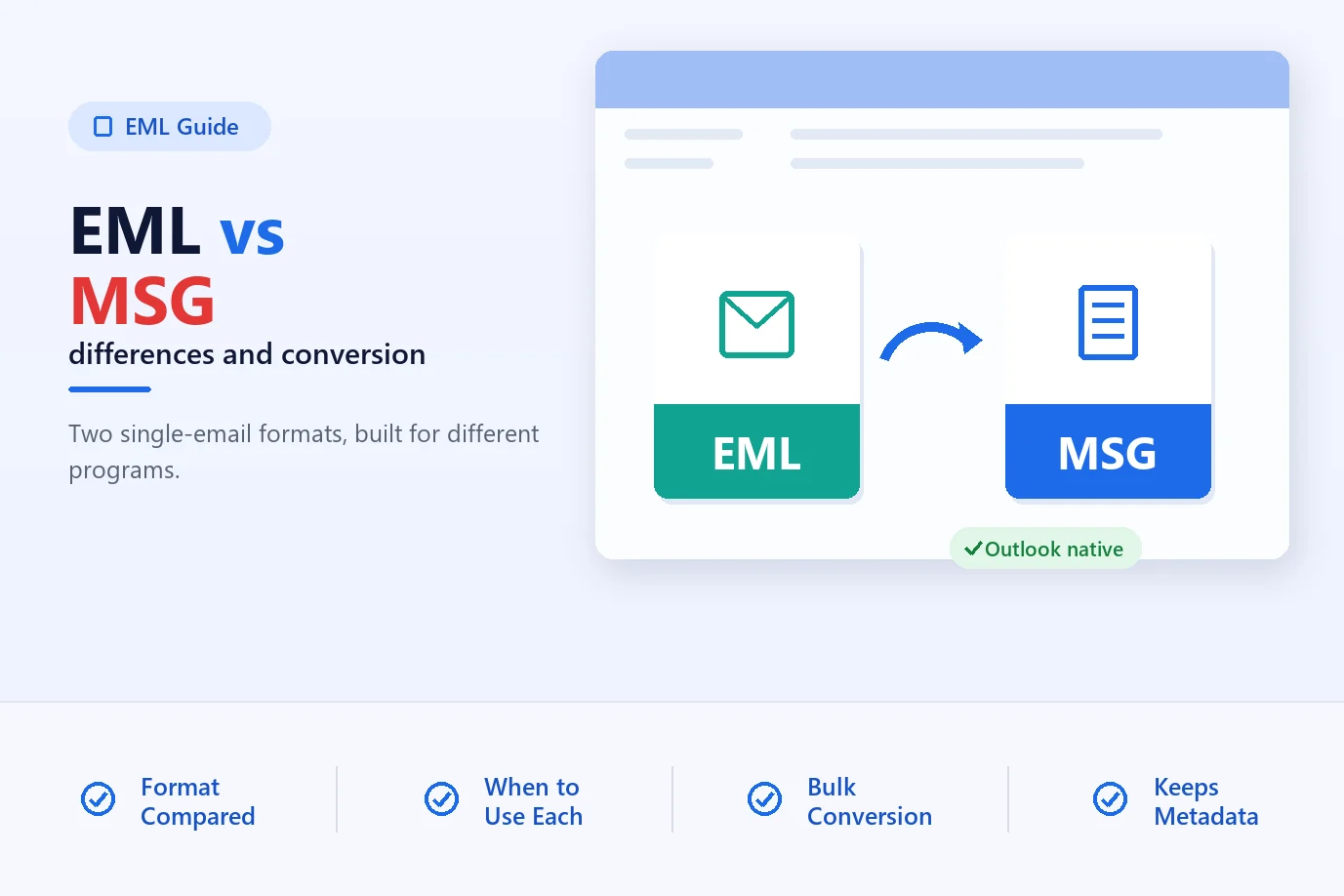
EML is the standard text email format. MSG is Outlook's own format. See our EML vs MSG guide.
About The Author
Magic Soft
Magic Soft provides software solutions for email recovery, data migration, file conversion, and digital data management.