01
Method 1: Free online tool (one PDF)
The Magic Soft free PDF Bates numbering tool runs in your browser and processes the file on your own computer, so nothing is uploaded.
- Open the tool and select your PDF.
- Enter a prefix and the starting number.
- Choose top or bottom of the page.
- Apply and save the numbered PDF.
It's built for one file at a time with a simple stamp. For several files or extra stamp elements, use one of the methods below.
02
Method 2: Adobe Acrobat Pro
Acrobat Pro (not the free Reader) includes Bates numbering. The menu location has moved between versions; in recent ones it's in the Edit a PDF tool under More > Bates Numbering > Add.
- Add the files and put them in order.
- Click Header & Footer Settings, place the cursor in a header or footer box and click Insert Bates Number.
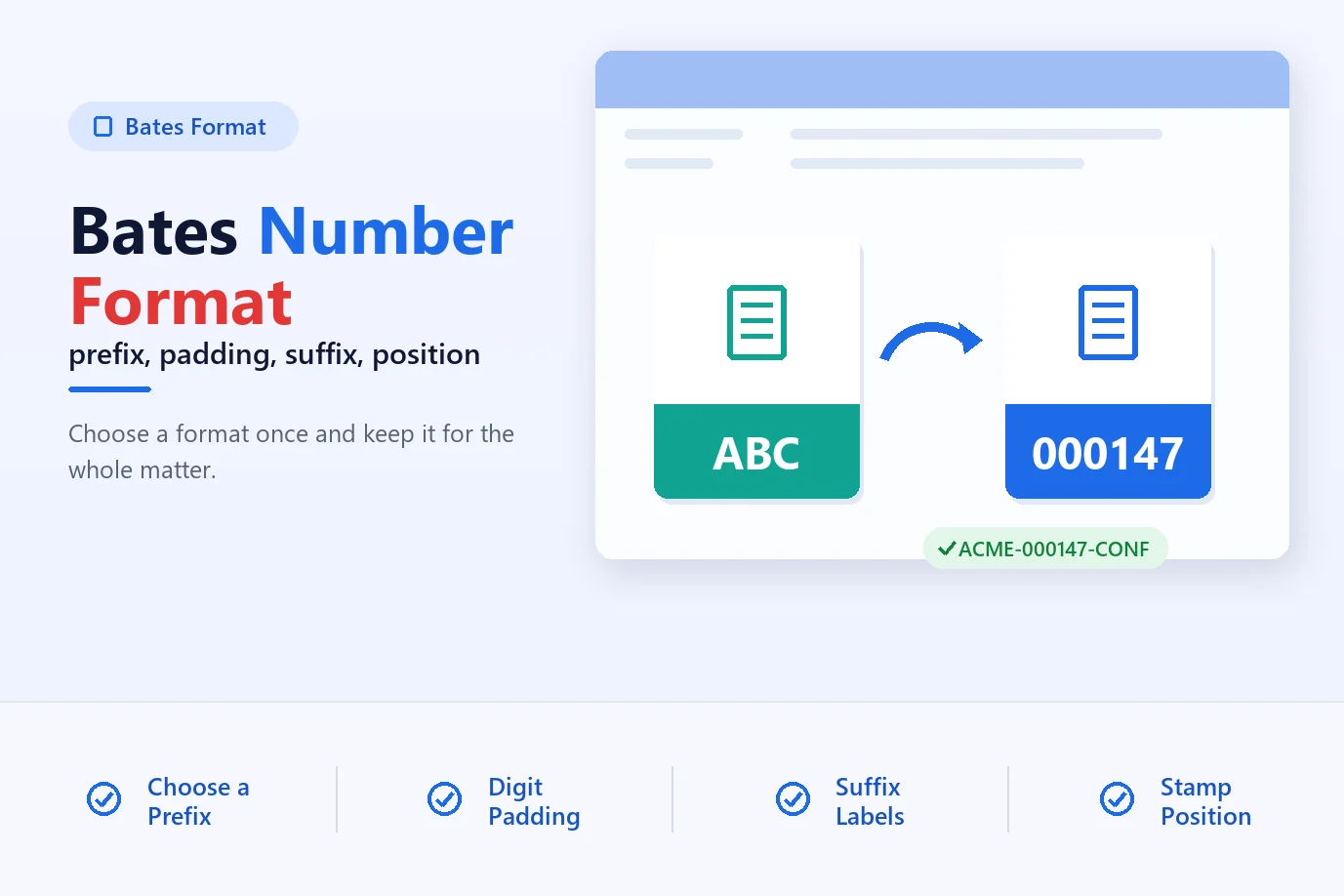
- Set the number of digits, start number, prefix and suffix.
- Click OK to stamp the files.
Acrobat works well but needs a subscription, and it doesn't keep a separate log of what was stamped.
03
Method 3: PDF Bates Numbering software (batches, offline)
Magic Soft PDF Bates Numbering is Windows software made for numbering documents in volume. It works offline, so privileged files never leave your machine.
01Add your PDFs
Click Add Files or Add Folder, or drag PDFs onto the window. Enter passwords for protected files, or tick the option to skip them.
02Set up the stamp
Choose a prefix and suffix, one of six positions, the number style (standard, Roman or alphabet), the start number and the step.
03Pick pages and extras
Number all pages, odd or even pages, or a range. Add a date, custom text, a signature, a confidential note or a QR code if you need them.
04Check the preview
See the real page with the stamp on it and drag elements into place. Turn on avoid-existing-text if the footer already has text.
05Run it
Choose processing options such as overwrite, open folder on completion and CSV audit log, then start. Save the settings for next time.
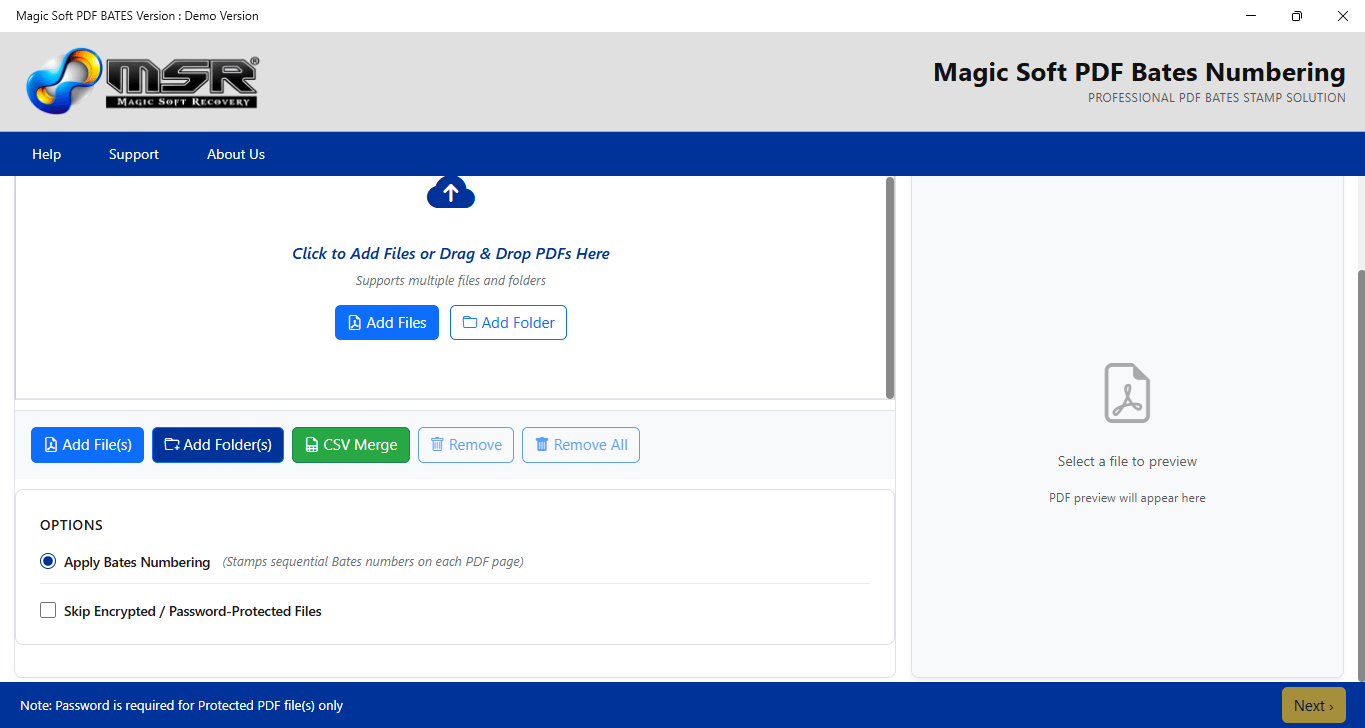
The demo works the same way but adds a watermark to the output, so you can test it on real files first.
Summary
One PDF: use the free online tool. Already paying for Acrobat Pro: use its built-in feature. Regular productions or folders of files: dedicated software with a preview and audit log is quicker. Numbering a large set? See batch Bates numbering.